SIM Groups
Note:
The SIM Groups section of the Enterprise Portal is only available in Customer context.
Introduction
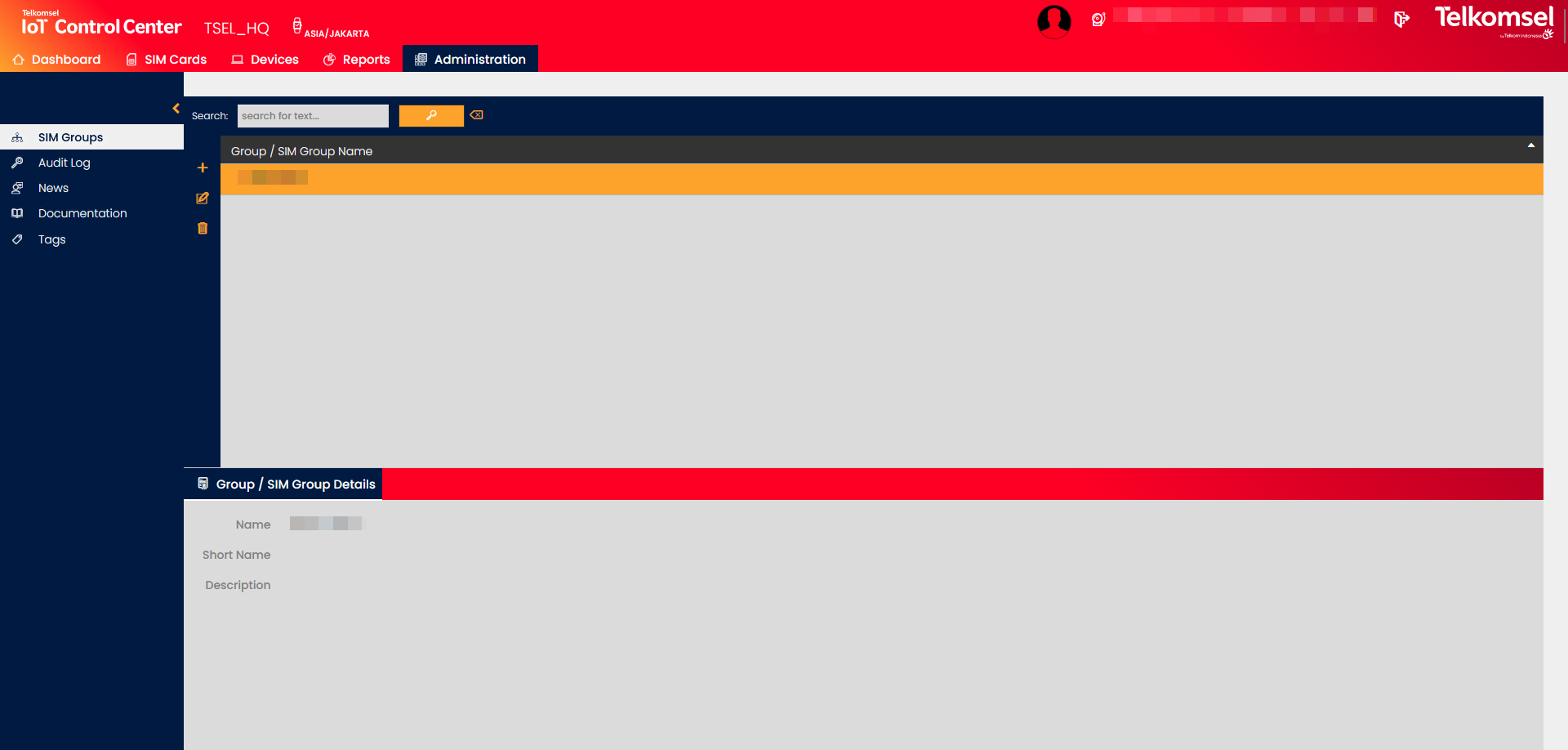
The SIM Groups submenu of the Administration module allows Users further to organize a Customer's SIM Cards into SIM Groups.
The Group/SIM Group Details panel displays all the information related to the selected Group/SIM Group.
Search for a SIM Group
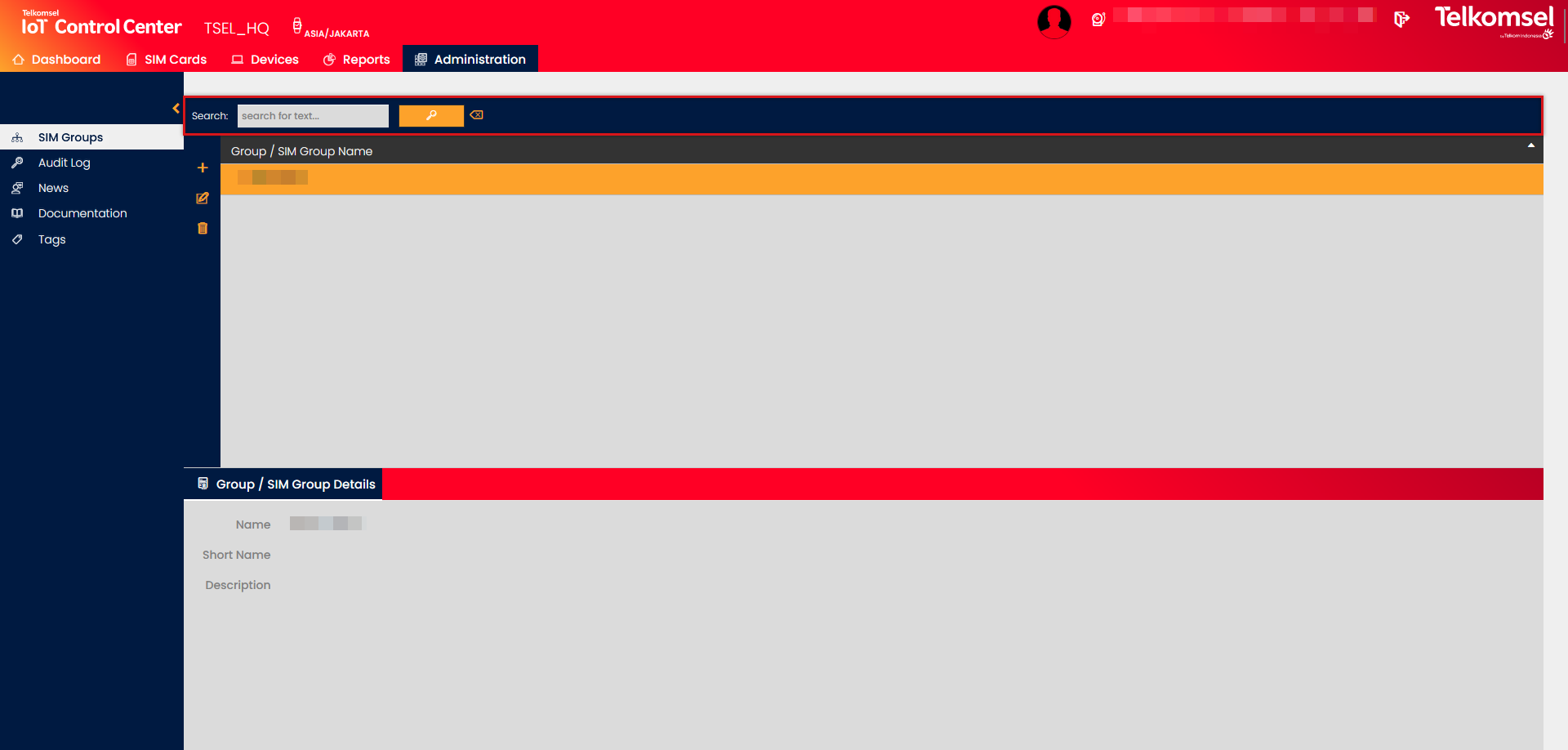
The search option of the SIM Groups module allows Users to retrieve a list of SIM Groups by entering text into the Search field.
The inserted search and filter criteria can be removed by clicking on the Clear search  icon.
icon.
Create a new SIM Group
To create a SIM Group:
- Select the Group or SIM Group from the grid for which the new SIM Group shall be created.
- Click on the Add
 icon.
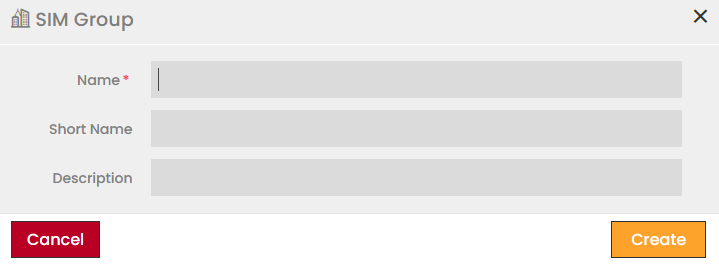
icon. - Define the Group information.
Fields marked by a red asterisk are mandatory. - Click Create to save the group.
Edit or Delete SIM Groups
Any SIM Group can be edited or deleted at any time.
- Click the Edit
 icon to modify the settings seen in the SIM Group creation.
 - Click the Delete
 icon to delete a SIM Group.
Assign SIM Cards to SIM Group
SIM Cards of the Customer can be assigned to SIM Groups from the SIM Grid by using the Manage Assignment to SIM Group option. See the SIM Card Management section of the user manual for more information.